
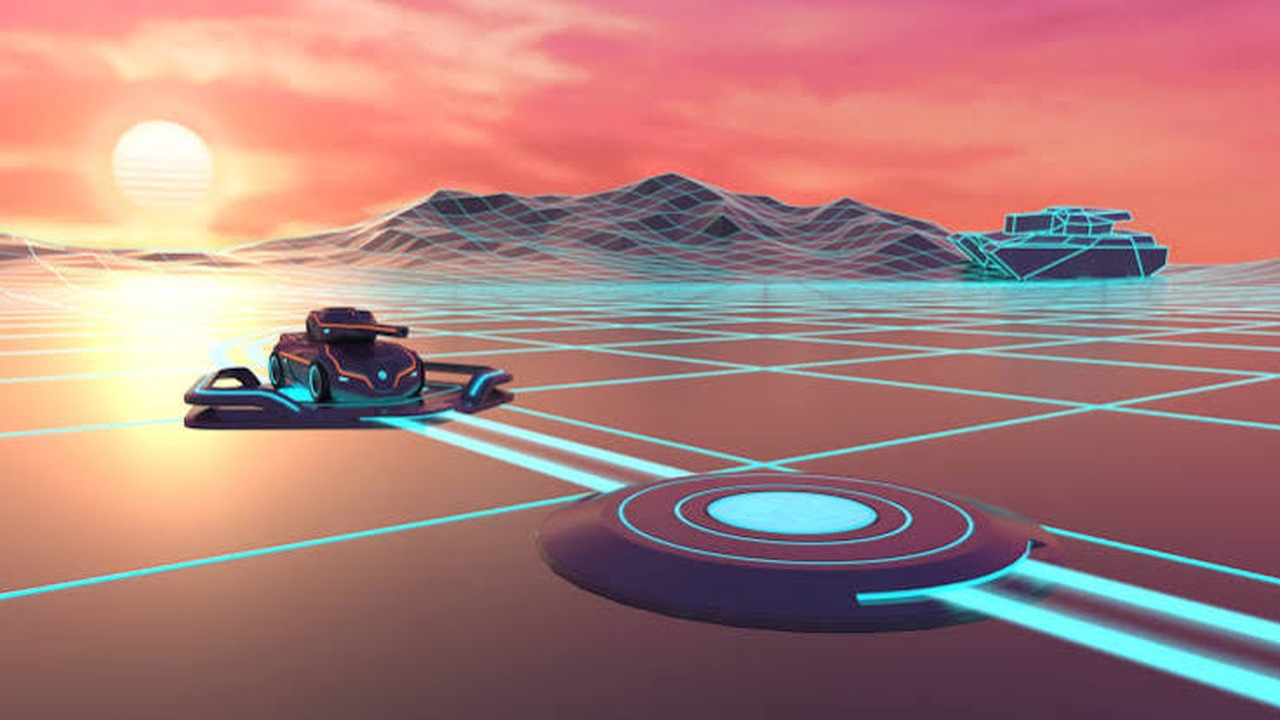
Every match in Cyber Tanks becomes easier when movement aiming and positioning work together. This article focuses on practical steps that can be applied immediately without making the controls complicated.
Use landscape orientation
Landscape gives the arena more horizontal space and separates the movement buttons from the action buttons. It also makes enemy tracking easier.
Keep both thumbs assigned
Use the left thumb for movement and the right thumb for turret direction fire and boost. Keeping fixed roles reduces accidental inputs.
Try fullscreen mode
Tap the fullscreen button in the game or above the game frame. Fullscreen removes extra browser space and gives the touch controls more room.
Use steady taps instead of rapid tapping
The controls respond continuously while held. Hold movement for smooth driving and use deliberate aim taps to keep the cannon stable.
Put the plan into action
Set up landscape mode and use touch controls comfortably on phones and tablets. Return to the arena and test the ideas against the next enemy wave. Consistent decisions will improve survival and score more reliably than rushing every fight.